
WARNING: this is still in development, so some parts are unfinished, eg: help. It ain't what you know that kills you. It's what you know, that just ain't so...
A trite way of saying assumptions will break you, and when it comes to projects and communication, assumptions are rife. Everyone thinks they understand what everyone else is saying. They are wrong.
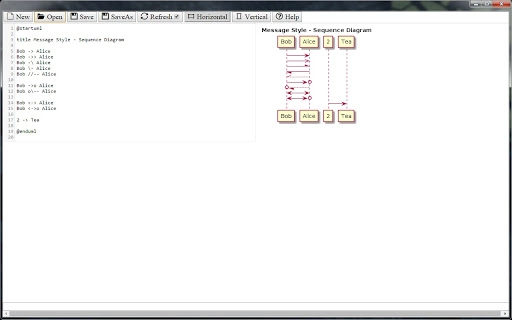
We need a more rigorous way to communicate the details in our projects. UML diagrams are a powerful way to encapsulate and communicate information. So, I am pushing the use of sequence diagrams as the single graphic needed to capture and think about an agile story.
The clean separation provided by the diagram actors immediately helps decompose the story in tasks and increase visibility. The simplicity of shared creating/editing diagrams provided by this tool, means it is now possible to create a sequence diagram during the planning meeting, rather than set it aside as a separate task in itself. This way, everyone's input can be captured and agreement made while they are still discussing it.
Additionally, when presented with a clean diagram, the participants tend to see what is missing rather than needing to wait for it to be discovered later, and block execution. A story should be a single feature. That feature can be described and then fully captured (end-to-end) in the sequence diagram, including all relevant information, such as messaging protocols, validation points, etc.
Extras such as acceptance criteria can then also be added. In this way, the diagram describes the whole feature working properly, and it becomes simple to identify which parts of the whole are missing, and create tasks to implement them.







